Built by designers. For designers.

Capture. Organize. Sell.

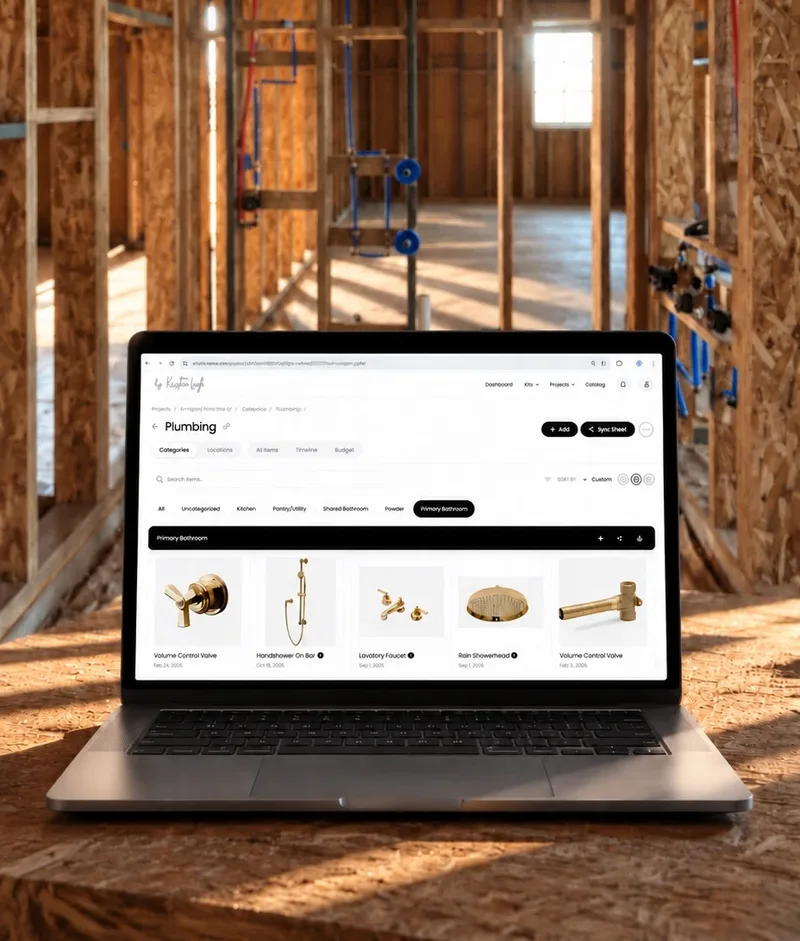
Cosee Studio Categories view — every selection, photo, and note from a project laid out as a designer's flat-lay Spec sheet on mobile — product details, dimensions, and installation notes for the field Published curated kit on mobile — the project as a sellable artifact

30-min call with Tom · or try it free on your next project

Or get the mobile app
Kristina Leigh Johnson
“My followers would often ask me about specific selections, but I thought that undersold the design. If you're a designer like me, curated kits allow your followers to apply the thought process of the design to their own projects while also creating income from your expertise rather than just your time.”

Kristina Leigh Johnson

Designer & Founder, Cosee Home

Great designers attract audiences.

Your work attracts clients, builders, followers, and future clients — and each one wants a different version of the same expertise. Now you can easily share your work with anyone at a quality that matches your standards.

Project view in Cosee Studio — categories, photos, and notes from the kitchen project.
Detailed view shared with a client — photos, notes, and reasoning. Spec sheet for builders — product details, dimensions, and installation notes. Curated kit for followers — pricing, products, and your reasoning. Your published kits in one place — what future clients see when they discover you.

Capture the project once. It flows to each of them, in the form they need.

Your system works for clients. This adds the part that works for your followers.

Yes it's a new tool, but you don't need to change how you work. You need to capture what you're already doing — the selections, the notes, the progress photos — so it doesn't disappear into your camera roll when the project ends.

Capture

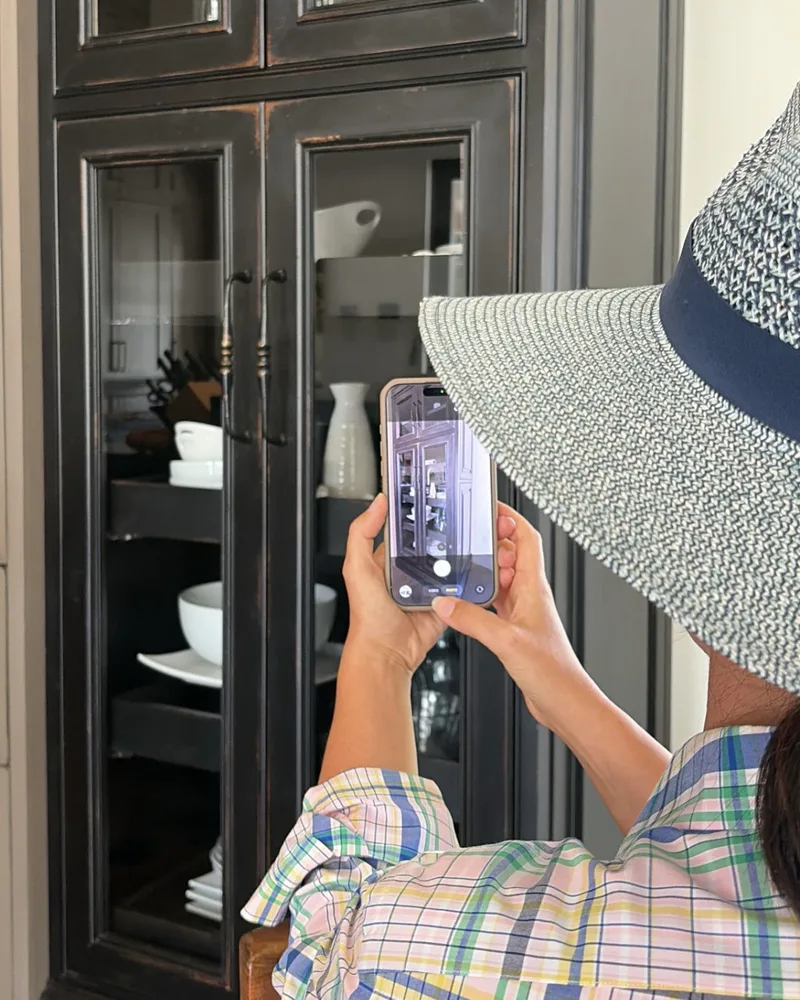
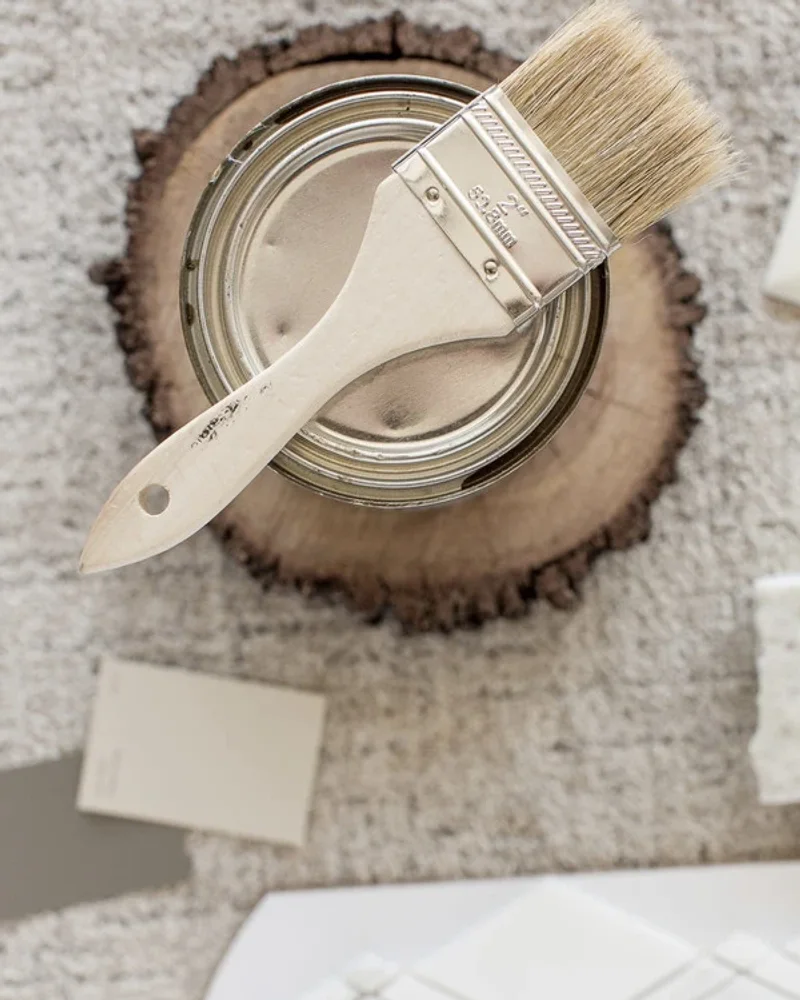
Snap a photo of that tile sample. Add a note about why you chose it or how it installs. Your client and builders see it immediately.

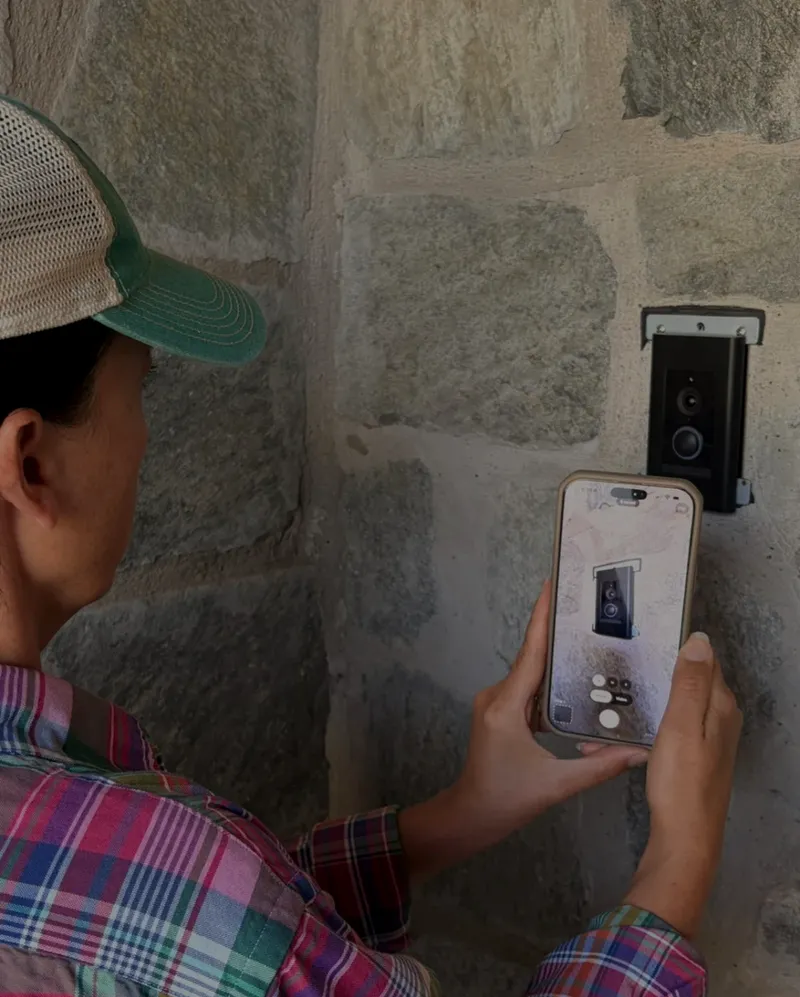
Snap a photo on the job site. Now it's in your project.

Caption

Tag by room and category. Add descriptions, installation notes, and the reasoning behind your selections that forms the aesthetic.

An item with descriptions, installation notes, and the reasoning behind the selection.

Share

Help clients and collaborators picture the space, not parse a spreadsheet. Detailed views and spec sheets show your work to everyone who needs it.

Spec sheet with product details, dimensions, and installation notes for the field. A detailed selection view ready to share with a client — photos, notes, and reasoning, branded to the designer.

Sell

Set a price, share a link. Your finished projects become curated kits your followers can buy — even the ones that never got built.

Curated kit ready to share — pricing, products, and your expertise in one link

One Project, Every Artifact

The same project. Every document your work demands.

Your selections, photos, and notes flow into the artifacts your work demands — spec sheets for contractors, detailed views for clients, and curated kits for followers. No reformatting, no double entry.

Organized by room

Group selections by location so clients can picture what's happening in each space — and contractors know what installs where.

Selections organized by room — every photo, note, and decision in its place.

Spec sheet

One project, organized by category, room, or specific items. Specs and notes formatted for the field — print or share the link.

Spec sheet with categories, rooms, and item-level notes — organized for contractors and installers.

Curated kit

Published as a kit your followers can buy — selections, photos, and reasoning. Set a price, share the link.

Curated kit page for followers — pricing, products, and the designer's reasoning.

For Clients

Bring them into the project.

Some clients want to be in it with you. Invite them as collaborators so they can browse selections, mark favorites, and see options come together — without text threads or shared albums getting lost.

  • Invite clients as project collaborators
  • Visualize selections in the space
  • Mark favorites and assign color labels together
  • Track decisions as they get made
Clients see your selections, mark favorites, and follow the project as it comes together.

For Builders

Specs, in their hands.

Builders want exact dimensions, model numbers, and install notes — and they want them now. Add them to the project so the answers are always one tap away. No more “can you resend that?” texts at 7 AM.

  • Spec sheets organized by category, room, or item
  • Invite builders directly into the project
  • Self-serve answers — no chase-down
  • Print a PDF or share the link
Spec sheet view — products, dimensions, and install notes ready for the field.

For Followers

Your taste, ready to buy.

Your followers ask “what tile is that?” every day. A curated kit is the whole answer — every product, your reasoning, the install order — at a price they can afford. Even projects that never got built can become kits.

  • Curated kits with photos, products, and reasoning
  • Set a price, share the link
  • Even unfinished projects can become kits
  • Your audience already trusts your taste
A curated kit page — products, photos, and the designer's reasoning, priced and ready to share.

For Future Clients

A portfolio they can browse.

Future clients want to know if your taste fits their project. Your kit store is a portfolio of finished thinking they can browse — the trust signal that turns a follower into a discovery call.

  • All your published kits in one store
  • Every kit doubles as a portfolio piece
  • Anonymize private projects to share work you couldn't before
  • Builds trust before they ever message you
Your published kits in one store — what future clients see when they discover you.

Why Curated Kits Sell

Your followers already want this. They just can't buy it yet.

They save your posts.

Every time someone screenshots your story or saves a post, they're telling you they want your product knowledge. Right now there's no way for them to get it.

They ask in your DMs.

"Where did you get that tile?" "What paint color is that?" You answer these questions for free, over and over. A curated kit turns those answers into a link you share once.

They want your expertise, not just your links.

Most of your followers won't have the chance to work with you directly. But they'd pay for your selections, your reasoning, your installation tips — the full picture of how you think about a space. That's what a curated kit gives them.

Even unfinished projects have value.

That kitchen project that stalled? The bathroom reno that never got built? The selections and thinking you put in are still worth something. Dead projects can become curated kits too.

Share work you couldn't share before.

Plenty of your best work never made it to your feed because you didn't have permission to publish it. AI visualization tools can anonymize any sensitive private details or generate new images from a set of selections — so the design, the concepts, and your thinking can finally be shared.

You don't need a huge following.

The followers who save your posts, share your stories, and DM you questions — those are your buyers. They already trust your taste. A small, engaged audience is more valuable than a large, passive one.

You don't need to be famous. You need to be trusted.

What Makes This Different

Most tools ask you to build the product after the project. Here, the product builds as you work.

The assembly is the part nobody has time for.

Because your selections, notes, and progress photos are already captured in your project, the curated kit is ready when the project is done. Set a price, share a link.

The typical path

  1. 1. Finish project
  2. 2. Dig through camera roll for photos
  3. 3. Re-find all product links
  4. 4. Ensure your client's privacy
  5. 5. Assemble a guide
  6. 6. Upload to a selling platform
  7. 7. Write descriptions, set pricing
  8. 8. Share link

With Cosee Studio

  1. 1. Work your project (selections, notes & photos captured as you go)
  2. 2. Ensure your client's privacy
  3. 3. Set a price
  4. 4. Publish and share

Earn real income, not pennies

Affiliate links pay cents per click. This is your expertise, so each sale goes to you.

Export everything

Your data is never locked in. Export your projects and selections anytime.

Client privacy built in

Visualization tools let you compose room views and edit photos so you can share your work without exposing a client's space.

Your brand, always

Everything your clients and followers see is branded to you, not us. Your logo in the product.

Questions you're probably asking

"I don't have time for another tool."

Fair. It is a new tool, and it does add a step to your workflow. The capture part matches what you already do — take a photo, save a link, jot a note. The payoff is that when your project wraps, you have something ready to sell instead of a scattered camera roll. Whether that tradeoff is worth it depends on you.

"What exactly is a curated kit?"

It's your completed project turned into something your followers can purchase. But it's not just a list of links — it's your expertise packaged. Every product you selected, the notes you added about why, installation instructions, the order to make decisions in, and progress photos showing how it all came together. Think of it as the answer key to your design.

"What do my clients see?"

Your expertise, organized beautifully. Not a spreadsheet of links — a visual project with your selections, your notes on each product, your reasoning for why things work together, and progress photos documenting the journey. It's branded to you with your logo, always up to date, and it makes you look as organized as you actually are.

"What about client privacy?"

Built-in visualization tools let you compose room views and edit photos so you can showcase your selections without showing a client's actual home. When you're ready to sell a curated kit, you control exactly what's visible.

Two reasons to be here. Two ways into each.

Talk it through with Tom, or jump in self-serve. Either way, no pitch.

For your projects

What's in your camera roll, organized.

Catch up on a current project. Get started on a new one. Ship spec sheets that don't need a second pass. See your work the way your clients and builders need to.

Or get the mobile app

For your audience

What if your past work kept earning?

Dead projects turning into cash. Your best past work becoming ongoing sales. Finished projects that don't retire when the client moves in. Your audience already wants what's in your portfolio — they just can't buy it yet.