The CompanyCam alternative for custom builders and remodelers.
Site visit photos, videos and progress documentation, like CompanyCam. The difference: in Co|See each photo lands on the selection it shows, next to the product's finish, size and install notes, and your client and their designer work in the same project.
CompanyCam: Job site photo app for contractors
Where CompanyCam stops keeping up on a custom build
Photos without the product.
A CompanyCam project is a timeline of site photos. The product in the photo, its finish and its size live somewhere else.
The selections live in another tool.
The designer's selections and the client's sign-offs sit in spreadsheets, PDFs and texts, so the crew checks two places.
The spec has to be found.
When the tile setter needs the grout color, they need the selection, not a photo of the wall.
Side by side.
| Compared | CompanyCam | Co|See |
|---|---|---|
| Site visit photos and videos | By project, on a timeline | On the selection each one shows |
| Progress documentation | A project timeline and photo reports | Progress photos on each selection, from every sub |
| A product's details | Notes and annotations on photos | Model, finish, size, quantity and install notes on the item |
| What's final | Not what it's organized around | Marked on each selection |
| Paperwork for the field | Photo reports, checklists and daily logs | Spec sheets and QR codes from the current selections |
| Clients and designers | Shared galleries and project updates | In the same project, each seeing their part |
| Built for | Contractor crews: roofing, restoration, general contracting and more | Custom builders and remodelers, their clients and designers, working from the same selections |
CompanyCam details are from companycam.com as of October 2026. CompanyCam is a trademark of its owner.
In Co|See
Site photos land on the selection.
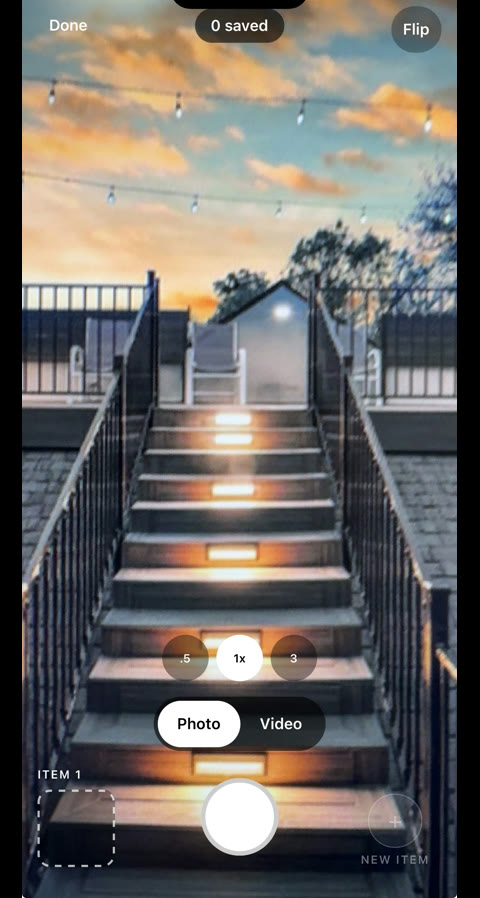
Every site visit photo and video goes on the selection it shows: the valve on the shower valve, the island on the island. Open the item and its whole history is there, with the install note beside it.
When CompanyCam may still fit
- Jobs with few product selections, like roofing, restoration or service calls.
- Collecting payments and running marketing from your photo app.
- Workflows built on its CRM integrations.
On custom homes and remodels, Co|See covers the site visit photos, videos and progress documentation, and keeps each one with the selection it shows.
Moving from CompanyCam
Start a project for each job and import its selection sheet, spreadsheet or PDF. From then on your crew and subs take site photos and videos in Co|See, each on the selection it shows, and your client and their designer follow along in the same project.
Start your project freeQuestions people ask.
What's the difference between Co|See and CompanyCam?
Both handle site visit photos, videos and progress documentation. CompanyCam organizes them by project on a timeline. Co|See puts each one on the selection it shows, next to the product's finish, size and install notes, with your client and their designer in the same project.
Is Co|See a CompanyCam alternative for builders?
Yes, for custom homes and remodels. Co|See covers site visit photos, videos and progress documentation, and adds the selections: what's final, the specs and the install notes, on the job site.
Can my subs post progress photos in Co|See?
Yes. Each sub adds photos and videos to the selection as their work goes in, with or without signal, and you see every trade's progress in one place.
Can homeowners and designers use Co|See?
Yes. The designer adds the selections, the homeowner signs off and follows progress, and the builder and subs work from what's final, each with the access you choose.
Put the selections where everyone can find them.
Start with the ones you already have. Import a spreadsheet or PDF, or take a photo of the next thing you choose.